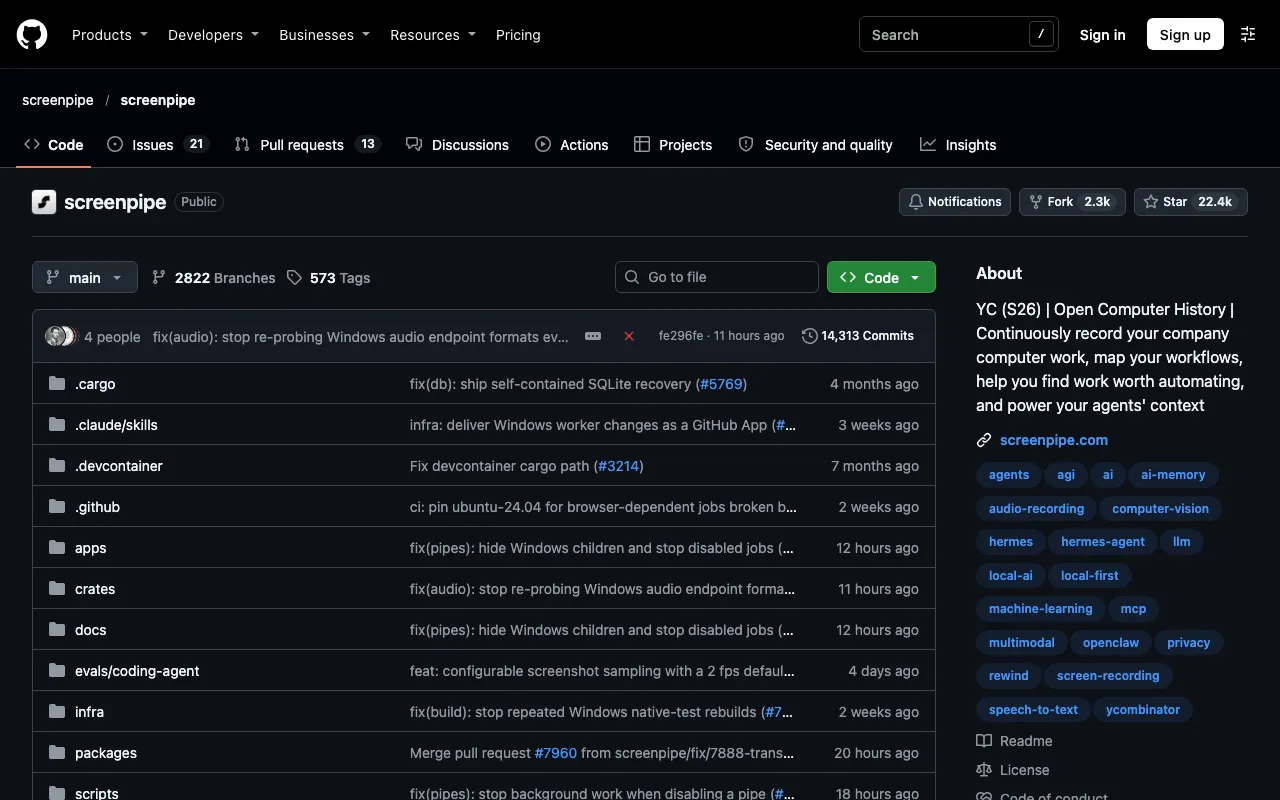
YC (S26) | Open Computer History | Continuously record your company computer work, map your workflows, help you find work worth automating, and power your agents' context
About Screenpipe
Screenpipe is a desktop app that records your screen and audio in the background and makes that history searchable by AI. It indexes every capture in a local database, and the text from screens, transcribed audio and recordings can be reached through a local HTTP API.
It also runs as a Model Context Protocol server, so AI assistants such as Claude Desktop, Cursor and VS Code can query your screen history. It handles speaker identification and works with any audio source, including Zoom, Meet and Teams, runs on macOS, Windows and Linux, and lets users exclude apps, windows and URLs from recording.
The vendor says the project is open source under the MIT licence, but third-party listings describe it as source-available under a commercial licence, with free personal use. Check the repository's licence file before relying on either claim.
Key features
- Continuous screen and audio recording on your own machine
- Searchable local database
- Local HTTP API
- MCP server for AI assistants
- Speaker identification
- Exclude apps, windows and URLs
- macOS, Windows and Linux
Links
All content and agents from Screenpipe
Frequently asked questions about Screenpipe
- What is Screenpipe?
- YC (S26) | Open Computer History | Continuously record your company computer work, map your workflows, help you find work worth automating, and power your agents' context. It is listed on botshub under workplace and productivity.
- Is Screenpipe free or open source?
- Screenpipe is tagged as open source on botshub. Check the official site for current terms.
- What can Screenpipe do?
- Key features include continuous screen and audio recording on your own machine, searchable local database, local HTTP API, mCP server for AI assistants and speaker identification.
- What are alternatives to Screenpipe?
- Other workplace and productivity on botshub include Digipair, Glean, UiPath and userbot.ai. See all alternatives to Screenpipe.