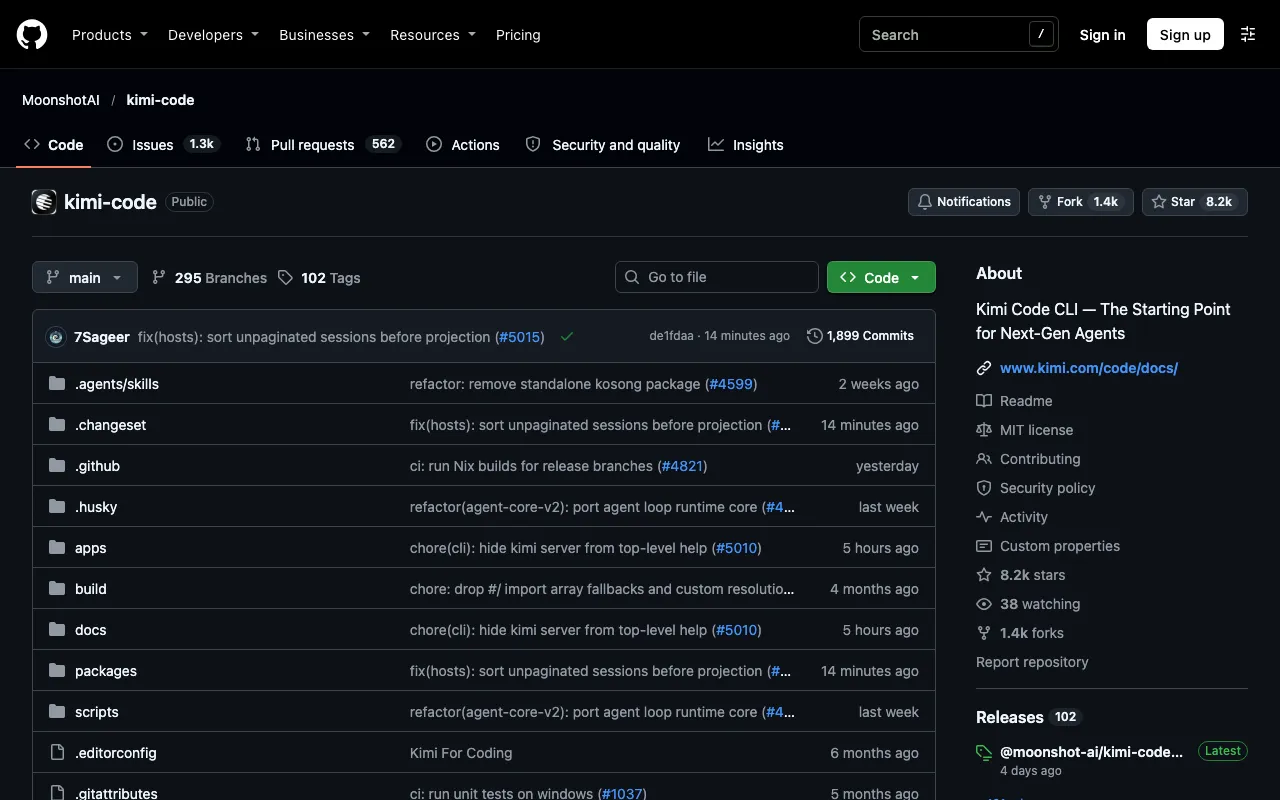
Kimi Code CLI — The Starting Point for Next-Gen Agents
About Kimi Code CLI
Kimi Code CLI is Moonshot AI's terminal coding agent, the successor to the older kimi-cli. It reads and edits code, runs shell commands, searches files and fetches web pages, and has a shell mode toggled with a key.
On first launch a user logs in with Kimi Code OAuth or a Moonshot Open Platform API key. It supports the Agent Client Protocol, so it can run inside editors such as Zed and JetBrains, and installs through a shell script, Homebrew, PowerShell or npm. The CLI itself is free, with model access needing a login or key.
Sources disagree on several details, including the default model, with K2.6, K2.7 and K3 all mentioned, and on the licence and language. Check the official documentation at moonshotai.github.io/kimi-cli or the GitHub repository for current details.
Key features
- Terminal coding agent from Moonshot AI
- Reads and edits code, runs shell commands
- Searches files and fetches web pages
- Agent Client Protocol for Zed and JetBrains
- Login with OAuth or API key
- Free CLI, paid model access
Links
All content and agents from Kimi Code CLI
Frequently asked questions about Kimi Code CLI
- What is Kimi Code CLI?
- Kimi Code CLI — The Starting Point for Next-Gen Agents. It is listed on botshub under coding agents.
- Is Kimi Code CLI free or open source?
- Kimi Code CLI is tagged as open source on botshub. Check the official site for current terms.
- What can Kimi Code CLI do?
- Key features include terminal coding agent from Moonshot AI, reads and edits code, runs shell commands, searches files and fetches web pages, agent Client Protocol for Zed and JetBrains and login with OAuth or API key.
- What are alternatives to Kimi Code CLI?
- Other coding agents on botshub include Devika, Agent QA, agent-manager and Aider. See all alternatives to Kimi Code CLI.