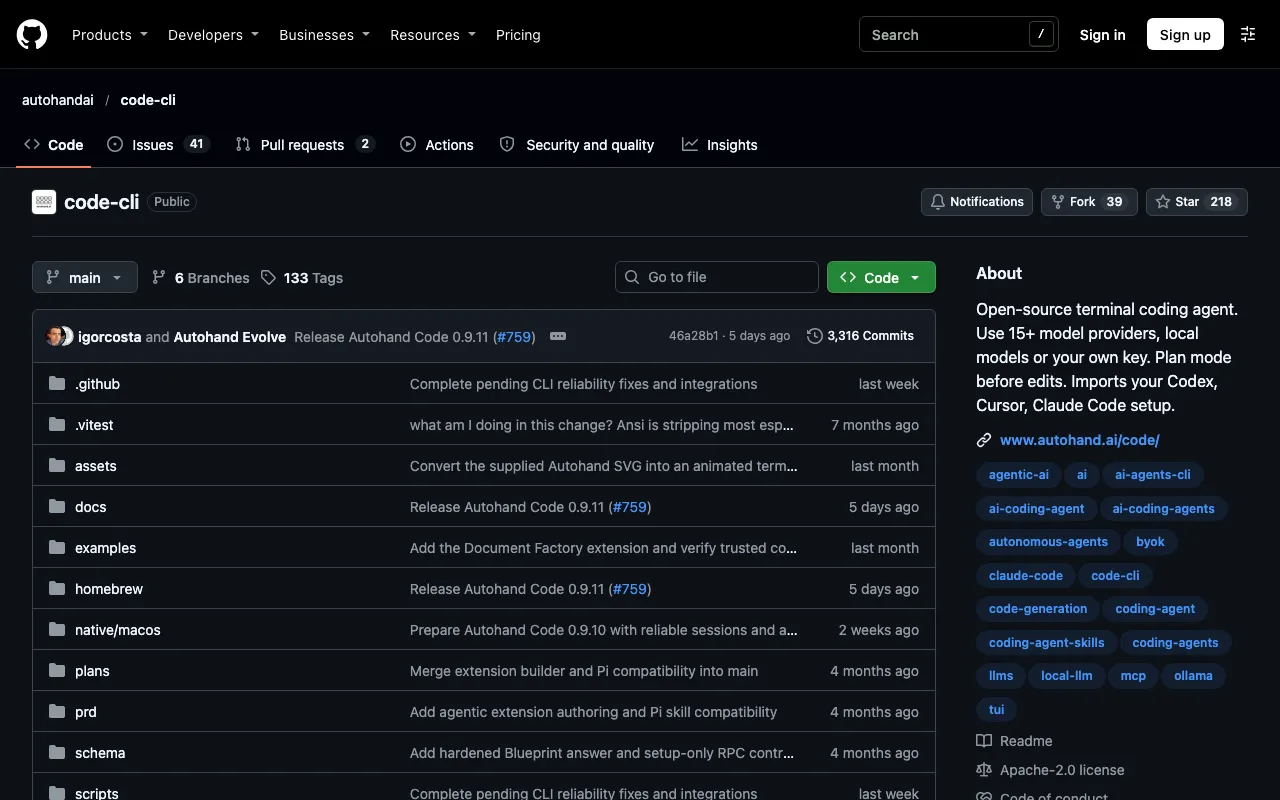
Open-source terminal coding agent. Use 15+ model providers, local models or your own key. Plan mode before edits. Imports your Codex, Cursor, Claude Code setup.
About Autohand Code CLI
Autohand Code CLI is an open-source, terminal-native coding agent written in TypeScript and distributed under Apache 2.0. Its official documentation lists OpenRouter, with more than 200 models, Ollama for local models, OpenAI, llama.cpp for GGUF models and MLX for Apple Silicon, and users switch with a model command or flag.
Directory listings describe more than 40 tools, with one documentation page saying more than 50, and an approval step before risky changes. One listing dates its release to 21 March 2026. The figure of 15 providers on the listing could not be found in any source, so check the README or autohand.ai documentation for an exact count.
Key features
- Terminal-native coding agent in TypeScript
- OpenRouter, Ollama, OpenAI, llama.cpp and MLX
- Switch models with a command or flag
- Approval before risky changes
- 40 or more tools reported
- Apache 2.0
Links
All content and agents from Autohand Code CLI
Frequently asked questions about Autohand Code CLI
- What is Autohand Code CLI?
- Open-source terminal coding agent. Use 15+ model providers, local models or your own key. Plan mode before edits. Imports your Codex, Cursor, Claude Code setup. It is listed on botshub under coding agents.
- Where is Autohand Code CLI from?
- Autohand Code CLI comes from New Zealand.
- Is Autohand Code CLI free or open source?
- Autohand Code CLI is tagged as open source on botshub. Check the official site for current terms.
- What can Autohand Code CLI do?
- Key features include terminal-native coding agent in TypeScript, openRouter, Ollama, OpenAI, llama.cpp and MLX, switch models with a command or flag, approval before risky changes and 40 or more tools reported.
- What are alternatives to Autohand Code CLI?
- Other coding agents on botshub include AIWG, Orchestrator, Sno Station and agent-manager. See all alternatives to Autohand Code CLI.